English
 Deutsch
 Español
 Français
 Italiano
 日本語
日本語 Русский
 中文
中文
Design Tips For SLA 3D Printing
- Published November 07 2025 - Updated September 09 2026
Design Tips For SLA 3D Printing
What is SLA 3D Printing?
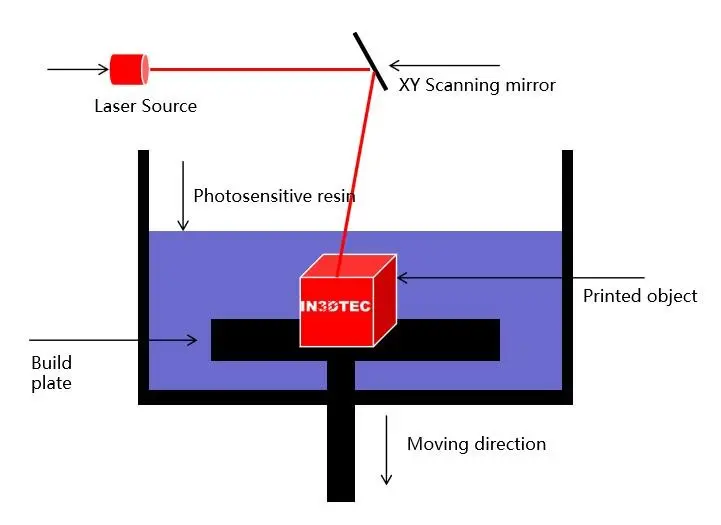
SLA Stereolithography is a 3D printing technology that uses liquid resin and UV lasers to build objects layer by layer. In the SLA 3D printing process, the 3D model is first sliced into thin layers by specific software. Then, the 3D printer uses an UV laser to selectively solidify the liquid resin, layer by layer, into the desired shape.
The printing platform contains a reservoir filled with liquid resin, into which the build plate is lowered. Then, an UV laser scans along the contours of the first layer of the object, causing the resin to solidify and adhere to the build plate. Next, the build plate is lowered one layer, and this process is repeated until the entire object is completed.
WHAT IS THE ADVANTAGES OF SLA 3D PRINTING?
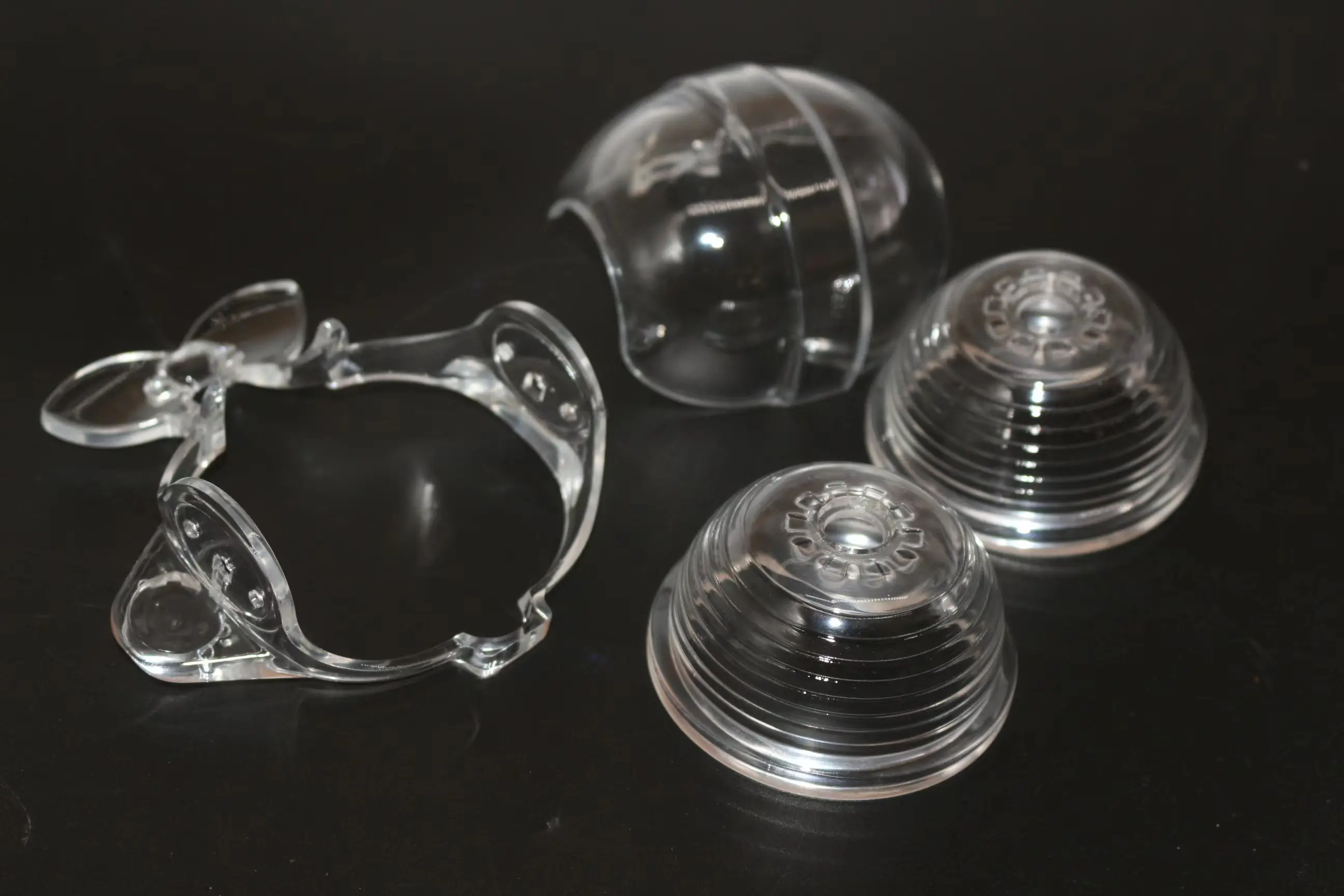
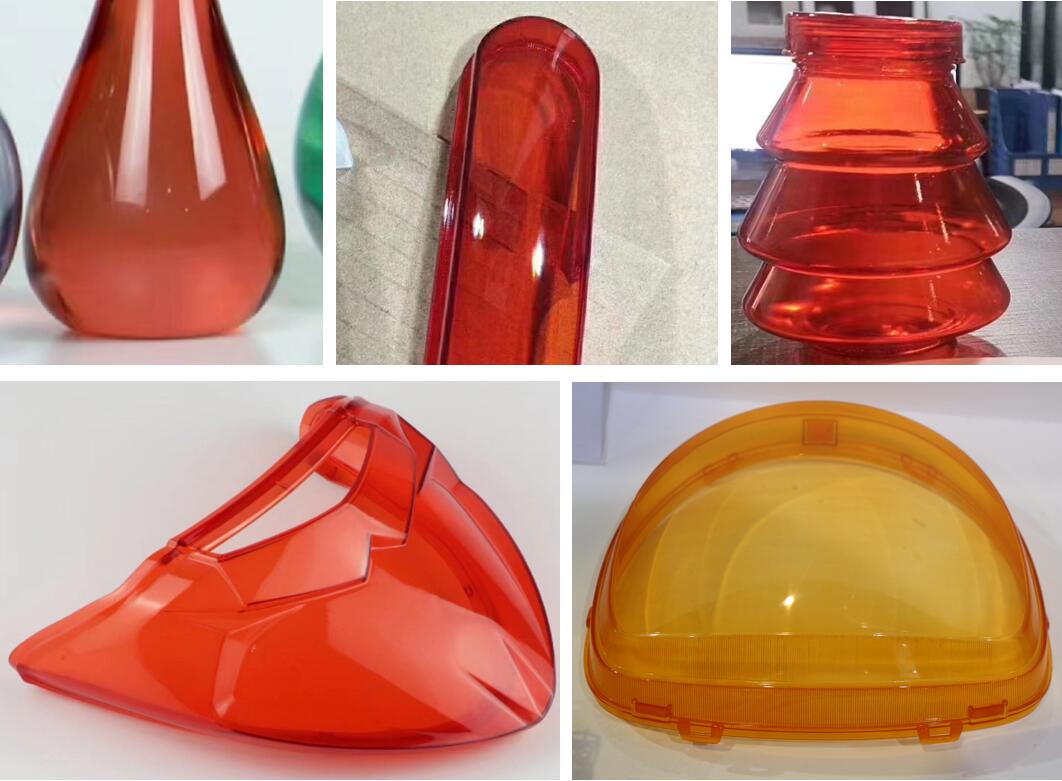
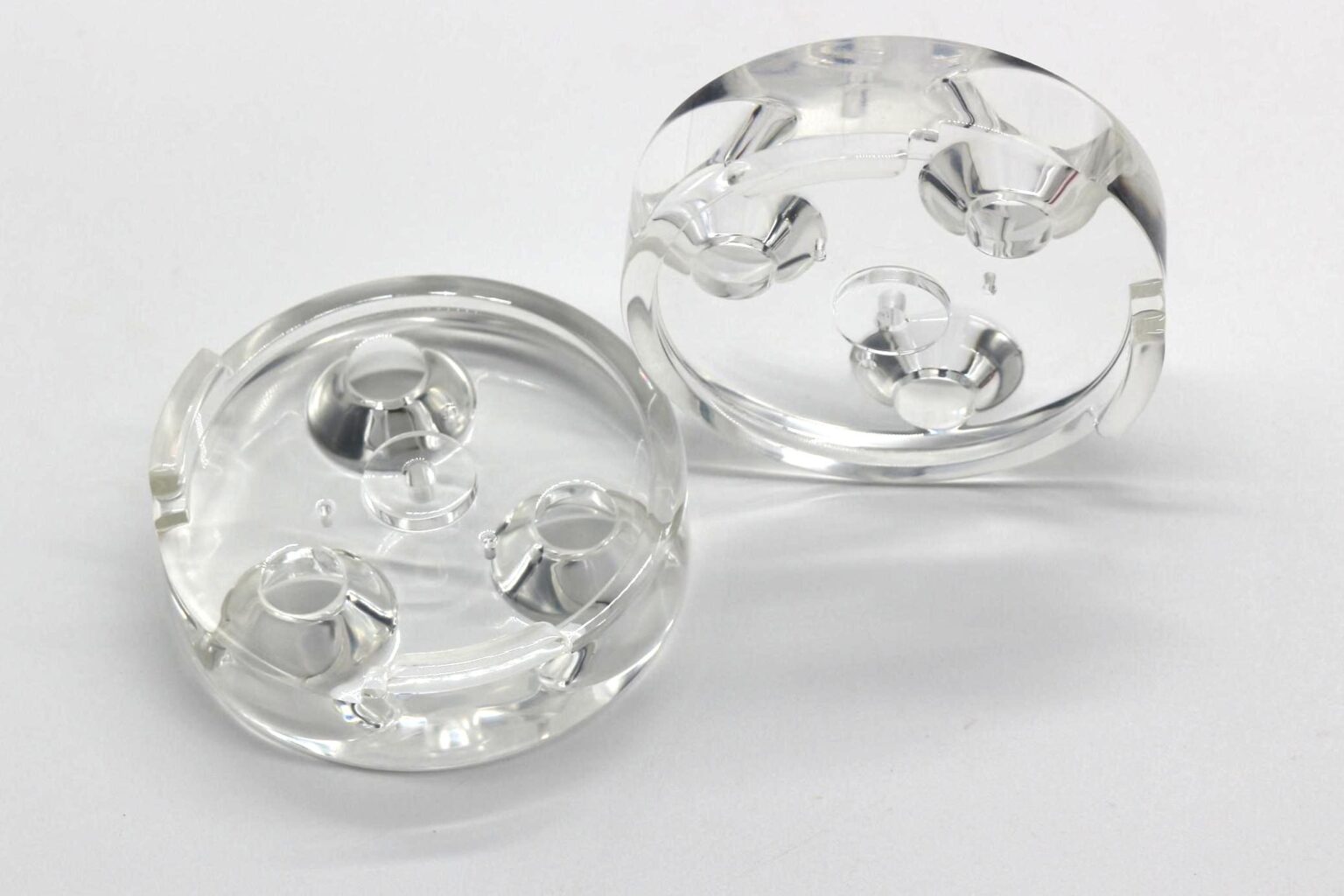
Stereolithography 3D printing technology can produce objects with rich detail, high precision and smooth surfaces. This technology is commonly used in rapid prototyping, casings and enclosures, various types of models, jewelry, dentistry and other high-precision applications.
8 DESIGN TIPS YOU SHOULD KNOW FOR SLA 3D PRINTING
- Overhangs: Please consider the model's orientation in the build space. Avoid designing parts with large overhangs, as printing models with large overhangs may cause them to fail during the printing process.
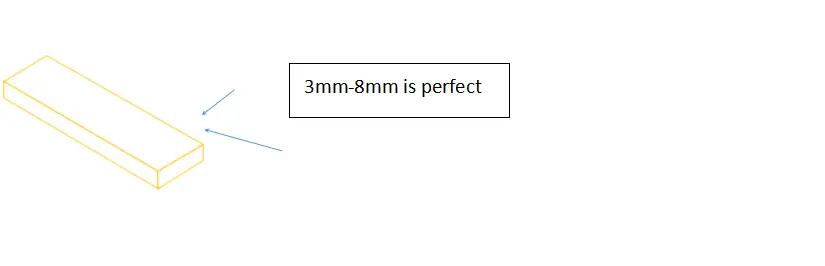
- Wall thickness: Please ensure the model's wall thickness meets the printing requirements of the SLA 3D printer. A wall thickness of at least 0.6 mm is generally recommended. Too thin a wall may result in a brittle model that is easy to break. Too thick a wall may lead to deformation and warping. For most parts, a wall thickness between 3 mm and 8 mm is usually sufficient.
- Support structures: For models with overhangs and other complex geometries, support structures must be used during printing. Please ensure your design allows for easy removal of supports, and consider incorporating non-removable supports if necessary.

- Hollowing: To save material and shorten printing time, consider cutting out the model. This also helps reduce the model's weight, making it easier to handle and transport.
- Resolution: SLA 3D printers can print high-resolution models. Take full advantage of this to design intricately detailed models that the printer can easily reproduce.
- Material: Please select appropriate materials for your model. Different materials have different properties and are suitable for different applications. Learn more about SLA 3D printing material selection.
- Post-processing: Once finished 3D printing, your model may require post-processing, including removing support structures, sanding, and polishing. Please take this into account when designing your model and allow sufficient space for post-processing.
- Assembly gap: Please ensure that your model design allows for sufficient assembly gap. It is recommended to leave a gap of 0.15 to 0.2 mm on each side.
All in all, designing for SLA additive manufacturing requires attention to detail and an understanding of the printing process. Using these tips, you can create high-quality models optimized for Stereolithography 3D Printing.